


01ZPAM · Centralized administration

PAM

Your operation, under control.
Your strategy, your way.

Manage players, sales network, bonuses, transactions and content from a single environment. A BackOffice that adapts to your processes, with role-based permissions and information to track every area of your operation.

See features
Operations and controlZPAM
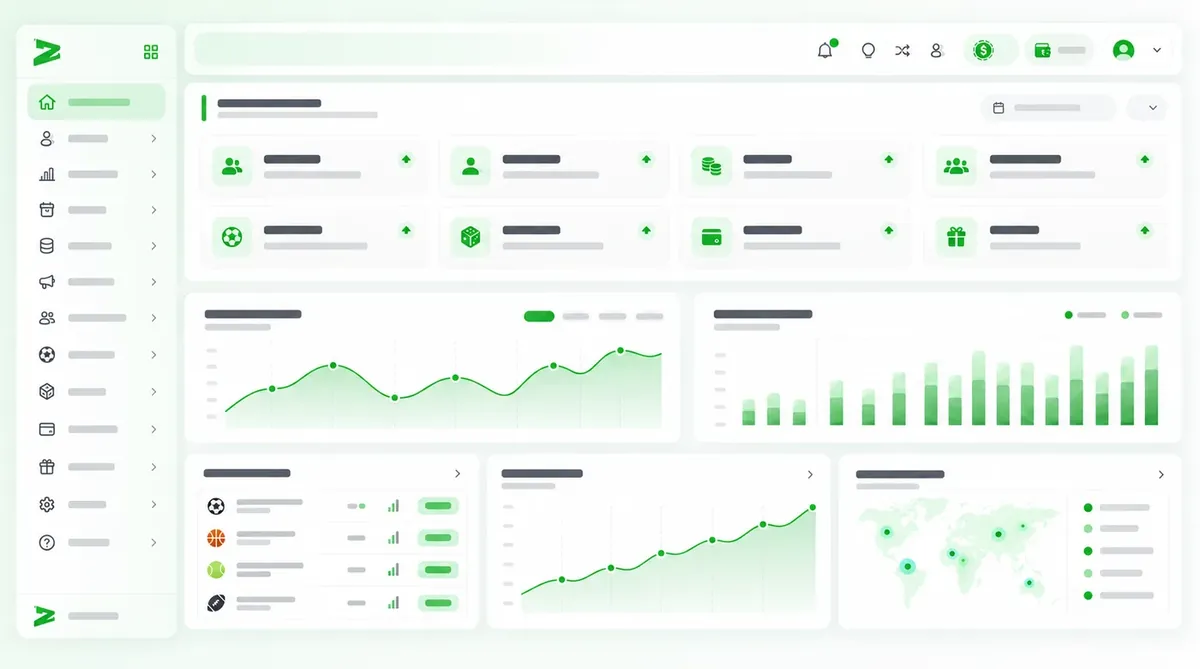
Zgames BackOffice main dashboard
Player managementZPAM
Player profile with identity verification
Transactions and balancesZPAM
Transaction and balance history
Permissions and securityZPAM
Role permissions and account security

02Capabilities

Five areas that cover your entire operation.

Agent & affiliate management

Your network of agents and affiliates, with tracked sources.

Learn more

Player management

Every player, with their full history.

Learn more

Bonus & promotion management

Promotions with rules, limits and tracking.

Learn more

Provider integration

Your casino catalog and showcase, under control.

Learn more

ZCMS · Adaptable configuration

Your content and registration, without depending on development.

Learn more

See ZPAM in action.

We’ll show it to you with your operation’s processes.

03Player file

A complete view of every player.

Resolve inquiries with the context you need: account data, documents, transactions and bonuses in a file that keeps each player’s history.

  • Find any account

    By username, ID, phone, agent or verification status, even with incomplete information.

  • Check every transaction

    Deposits, withdrawals, bets and winnings with their IDs and balances before and after.

  • Keep support continuous

    Notes, messages, assigned bonuses and change history to pick up every case.

  • Manage verification

    Requests, documents and bank details linked to the account.

Player file in the BackOffice

04Real-time flows

From the player’s action to the bonus delivery.

Automate benefit assignment with visual flows. Create templates for different journeys and reduce manual review of each case.

  1. Set the event

    Registration, deposit or the action you choose.

  2. Define the conditions

    What the player must meet.

  3. Assign the benefit

    The bonus is delivered automatically.

05Finance

Financial control with backup for every transaction.

Manage bank accounts, review requests and follow the path of funds with their data, statuses and receipts.

Accounts and daily limits

Organize company, agent and player accounts, with their limits and accumulated use.

HolderControl
COCompanyDaily limit and accumulated use
AGAgentsAccounts per agent
JUPlayersRegistered accounts and history

Documented deposits and withdrawals

Amount, bank details and receipt on every request, an alert when payment details are missing and duplicate receipt review.

RequestsStatus
Deposit requestPlayer, amount, bank details and receipt
Received
Withdrawal requestAlert if the player has no registered account
In review
Duplicate receiptThe same transfer cannot credit two deposits
Blocked

06Reports

From the overall result to the detail that explains it.

See performance by product, provider, agent or player, and investigate variations with filters and reports that back your decisions.

Operation results

Bets · Winnings · Bonuses · GGR

GGR is the difference between what was wagered and what was paid out in winnings.

Sports activity

Sport · Tournament · Event · Market

Individual bets and results grouped by sport, category, tournament, event or market.

Casino performance

Game · Provider · Currency

Games, providers, currencies and players, with each bet’s detail and ticket.

Reports for your team: filter periods and currencies, export results, retrieve them from the download center and customize the product report columns.

✓Practical use

An agency’s volume dropped. Here is how you find out why.

  1. Agency

    Compare its volume with previous periods.

    Agent report
  2. Players

    Identify which players stopped betting.

    Player report
  3. Transactions

    Review their deposits, withdrawals and bonuses.

    Transactions
  4. Action

    Agree with the agent on how to win them back.

    Export

07Access and audit

Every access, defined. Every action, traceable.

Role permissions

Different access for administration, support, finance and sales network.

Account restrictions

Login, bets, deposits, withdrawals, bonuses and product access.

Access security

Passwords, forced changes and sessions with IP, device, browser and location.

Audit history

Who performed each action, in which module and when.

Investigate what happened and who was involved.

See results by product, player and agent; check who acted, from which module and when.

ActivityLocal time
PersonActionModuleTime
MRMaria R.OperationsAccount viewedPlayers11:42
DPDiego P.MarketingBonus updatedPromotions11:38
LCLucia C.AdministrationPermission changedTeam11:31

✓Practical use

A difference shows up in a player’s balance.

The audit shows which internal user recorded the transaction, from which module and when, and compares it with the change history of the player file.

08Common questions

Your team’s questions, answered from ZPAM.

Pick a question and see how it’s answered with full context.

09For operators

See how it adapts to your operation.

Tell us what you need to manage, connect or improve. We’ll show you the BackOffice through the processes that matter to your team.

We dev, you win

Evolve with our technology

Tell us what you need.