


01Insights and finance

More control.

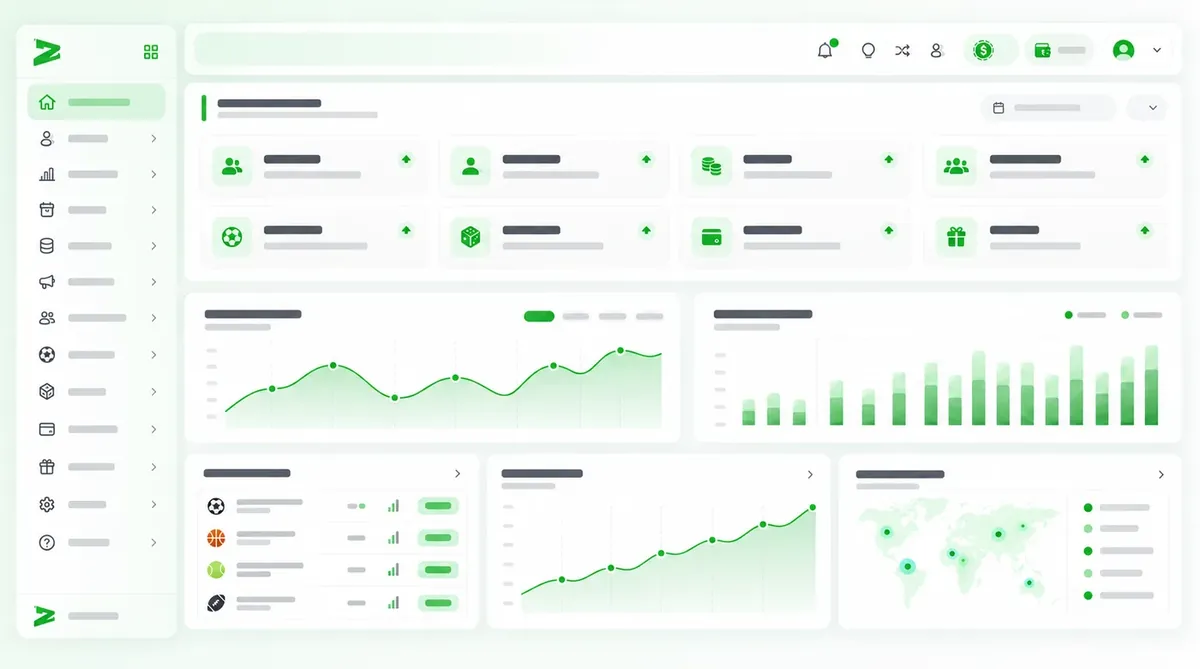
Compare activity, campaigns and agents with ZInsight. Track transactions, reconciliations and financial closings in ZCenter.

68%

Center

68%
9:41●●● ▮
AI - DatosA
OverviewToday · Oct 15
Active users1,284↗ 12,3%
Sessions today8,642↗ 8,4%
Retention68.4%↗ 3,2%
Activity 7 days
MonTueWedThuFriSatSun
Recent activityLive
New registrations 2 min ago+62
Active sessions now184

02Changes · Differences · Next steps

What changed and what needs attention?

Compare activity and results to decide what to review; track transactions and differences that still need validation.

Activity by verticalOverview

SportsCasino

Spot where results change

ZInsight · KPIs and dashboards

Compare activity and margin by vertical, agent and campaign to decide what to review first.

Support quality

ChannelWidget

ReasonInquiry

PeriodLast 30 days

Exploration filters

Find patterns in support

ZInsight · Channels and reasons

Review channels, reasons and periods to understand how they relate to conversions and deposits.

DepositsWithdrawalsReconciliationClosings

ZCenter · Financial processes

Clarify which transactions are still pending

ZCenter · Finance and administration

Review transactions and related receipts; differences are left for your team to validate.

03From question to next step

From a variation to a better-informed decision.

  1. Focus

    Start with the question you need to answer.

    Define which result you want to understand or which decision is waiting on information.

  2. Exploration

    Compare to understand what changed.

    Compare periods, products, agents and campaigns to find variations worth attention.

  3. Cross-check

    Validate the related transactions.

    Review the relevant transactions and supporting documents in ZCenter; your team confirms the differences.

  4. Learning

    Prioritize the next step.

    Document the finding and decide what to investigate or adjust next.

04Information and owners

Closing shouldn't depend on chasing information.

Find what's pending and who should review it.

Identify pending transactions and differences, and who should review them.

Period statusMonthly cutoff
OperationsDelivers the period's transactions
Received
FinanceReviews pending differences
In review
AdministrationConfirms the cycle closing
To validate

Don't close with open questions.

Coordinate cutoff, review and confirmation with a defined owner for each step.

Confirmation sequenceZCenter
01CutoffPeriod set
02ReviewOwner assigned
03ClosingResult confirmed

05Decisions and closings with more context

Which decision is waiting on better data?

Contact us

We dev, you win

Evolve with our technology

Tell us what you need.